
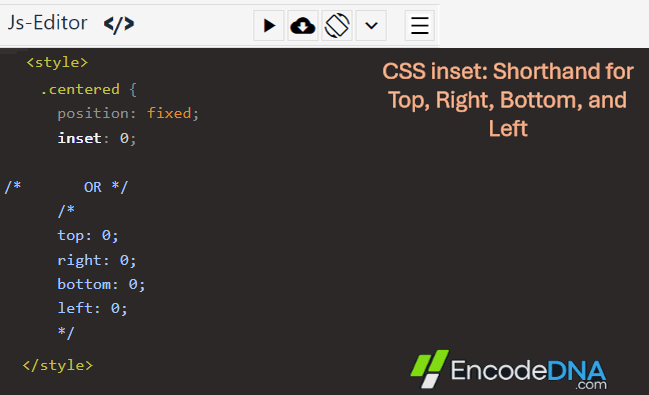
For example,
<style>
position: fixed;
inset: 0;
</style>
is the same as:
<style>
position: fixed;
top: 0;
right: 0;
bottom: 0;
left: 0;
</style>
In the above "working demo", inset: 0 is used on the <div> to make it stretch across the entire viewport. Because the element is position: fixed, setting all four offsets to "0" causes it to cover the full screen, making it ideal for modal backdrops, loading screens, page overlays, and full-screen menus.
You can also use different values with inset, just like the margin shorthand. For example,
inset: 20px;
adds a 20 pixel gap on all sides.
inset: 10px 20px;
sets 10 pixels for the "top" and "bottom", and 20 pixels for the "left" and "right".
In-addition, you can use percentage (%) with values. For example,
inset: 10% 20%;
inset with "position: absolute" and "position: relative"
The inset shorthand can be used with any positioned element. Which includes,
position: absolute
position: relative
position: fixed
and position: sticky
Conclusion
Use inset whenever you need to position an absolutely or fixed positioned element relative to all sides of its container. It reduces code, improves readability, and makes layouts easier to maintain compared to writing four separate positioning properties.
Browser Support
inset is supported by all modern browsers, including Chrome, Edge, Firefox, Safari, and Opera. If you need to support very old browsers (such as Internet Explorer), use the traditional top, right, bottom, and left properties instead.